
Keep it see-through
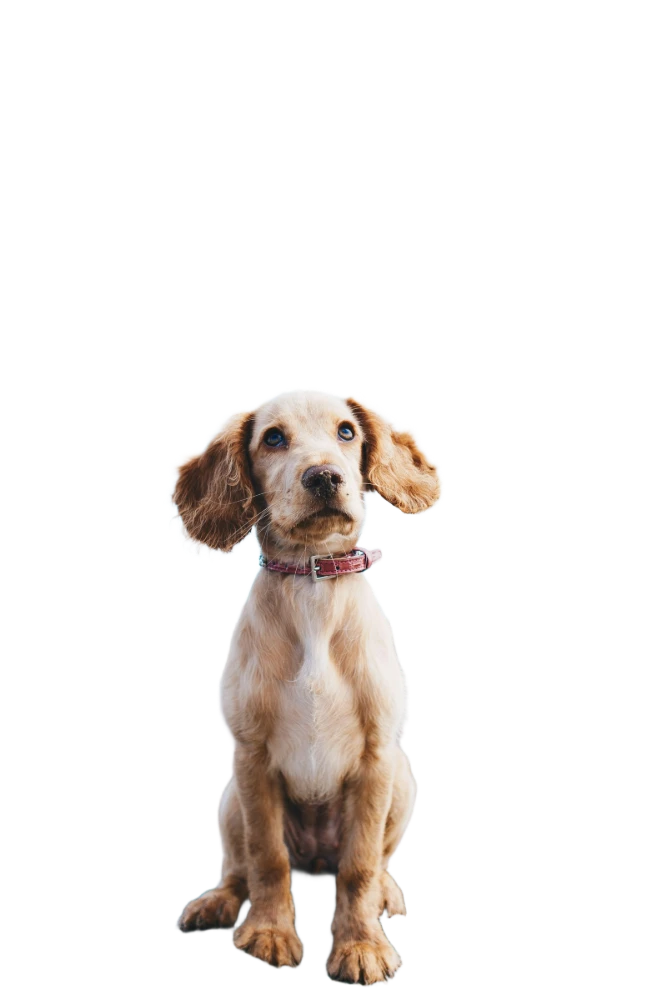
A transparent PNG, ready for a design, a slide or a sticker.
Your photos never leave your device
Remove the background from any photo in a few seconds. Then stick it on a color or another picture and save it. Free, and no account needed.
or drop one anywhere on the page, or paste it with Ctrl+Vfrom your gallery or camera
No photo handy? Try one:
Samples are free and do not use your daily images.
See the difference
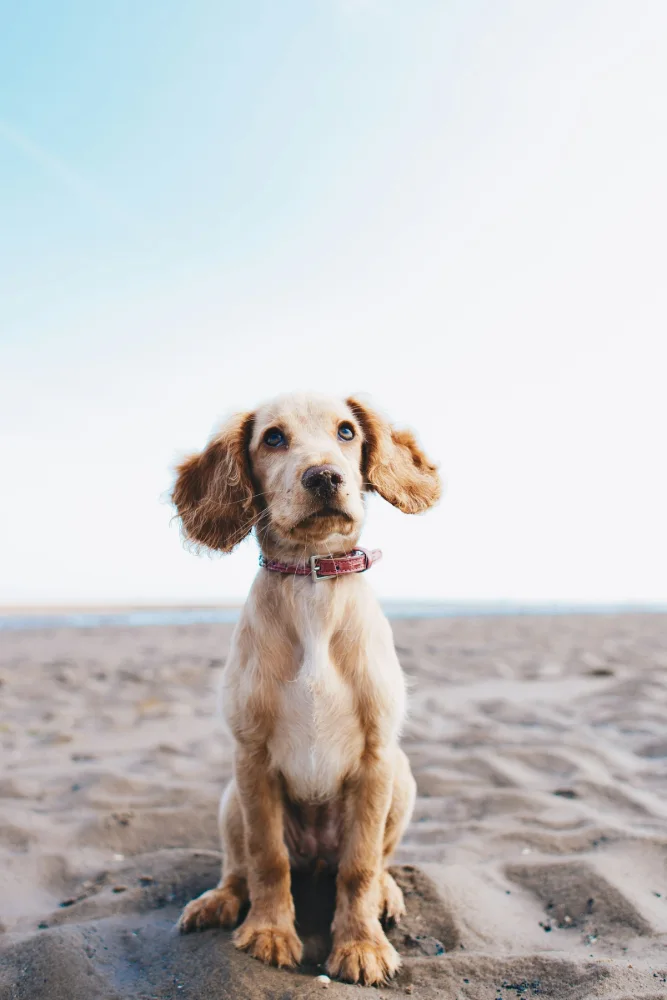
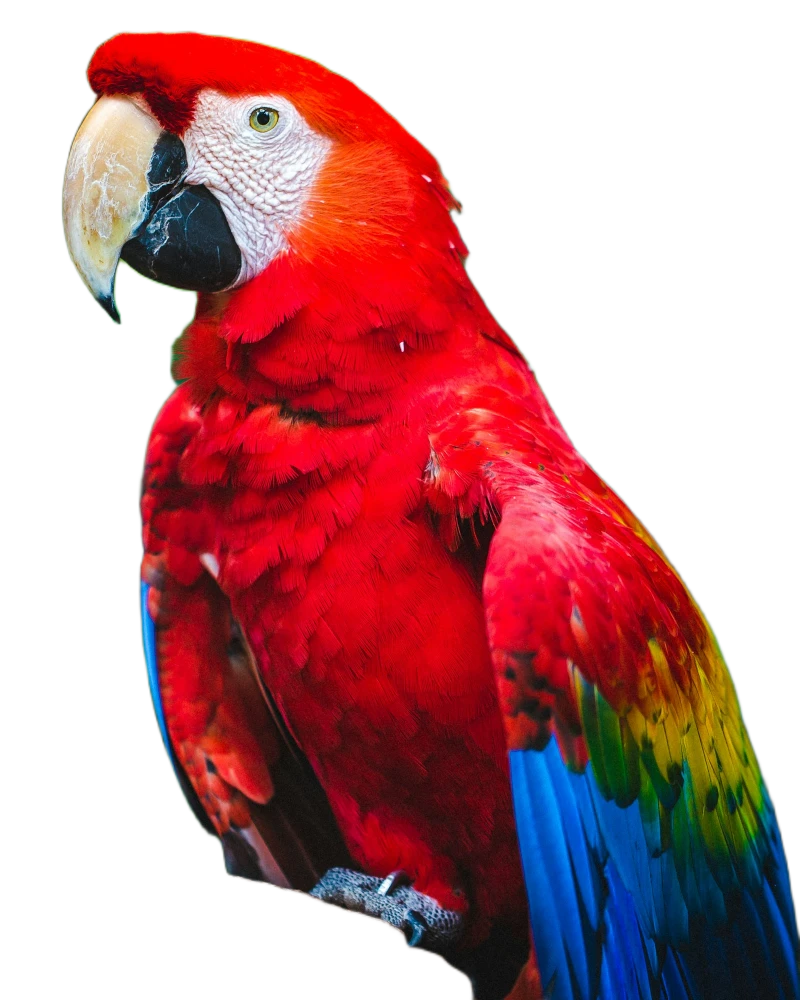
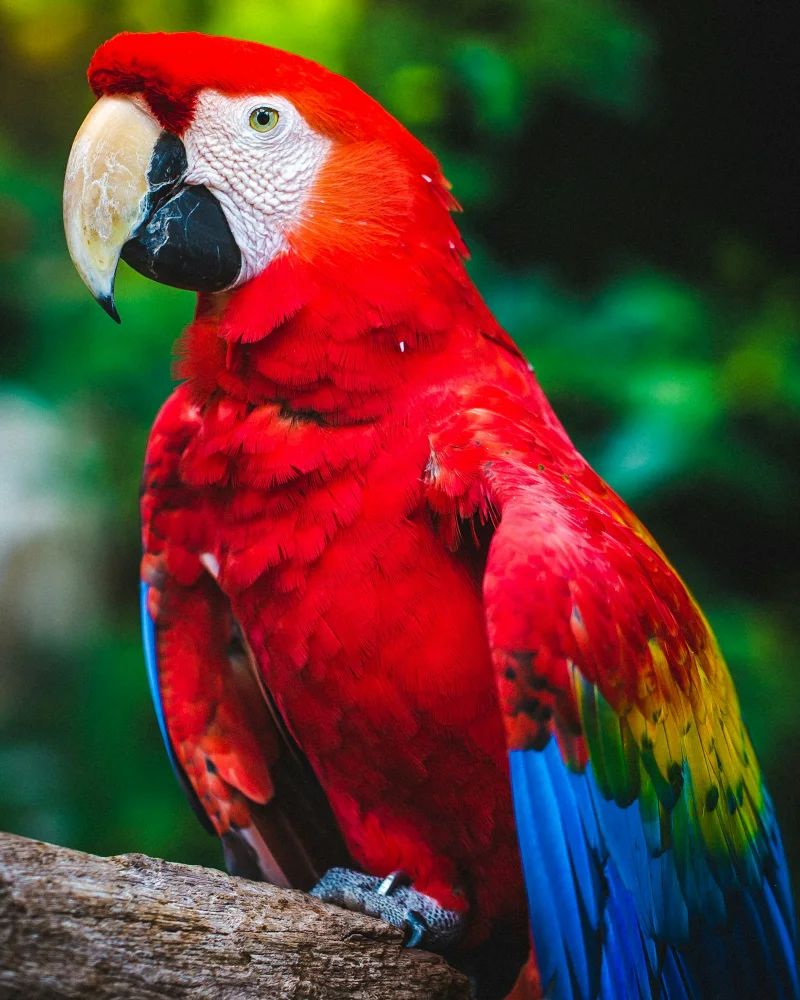
Real photos, cut out by this very page. Drag the scissors to compare.
 OriginalCut out
Cut out by this page and left untouched. Results depend on the photo.
How it works
A JPG, PNG or WebP from your computer, your phone gallery or straight from the camera.

The cutting happens on your own device. Nothing is uploaded, so nobody else sees your photo.
Keep it see-through, pick a color, or put your own picture behind it. Then save it.
Make it yours
A transparent PNG, ready for a design, a slide or a sticker.
Try one. Any color works, not just these.
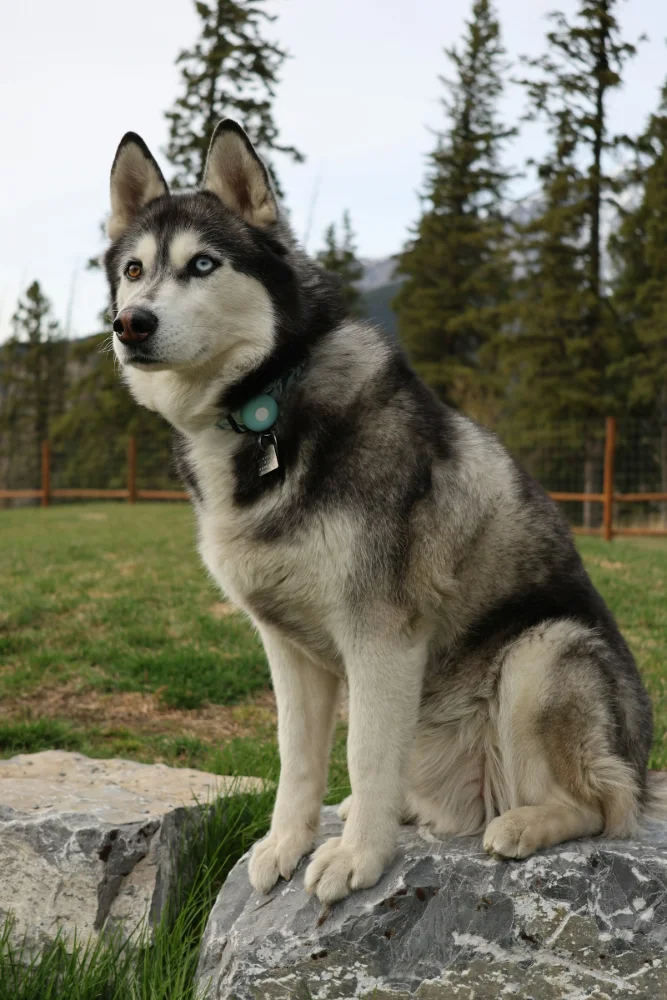
Put your own picture behind it. Here the puppy drops in on the husky.
Private by design
Many background removers send your photo to their servers. CutOutFree does not. The cutting tool is downloaded to your browser once, and from then on it does all the work right on your device.
The photo you open stays in your browser from start to finish.
We have no copy of your pictures, so there is nothing for us to keep or lose.
Use it straight away. Sign in only if you want more images a day.
Free, and fair
10images a day
30images a day
∞images
coming soon…
Good to know
Yes. You can cut out 10 images a day without an account, and 30 a day with a free one. There is no watermark and the download is full resolution.
No. The background is removed inside your own browser, on your own device. Your photos are never sent to us or to anyone else.
The first time, your browser downloads the cutting tool (40 to 110 MB, depending on your device). It is saved on your device, so every photo after that starts right away.
JPG, PNG and WebP, including photos straight from a phone camera. Very large pictures are scaled down: to 4096 pixels on their longest side on a computer, and 2048 on a phone.
On Android, tap Download and the picture appears in your gallery. On iPhone and iPad, tap Save image, then choose “Save Image” in the menu that opens.
Fast is quick and right for most photos. Detailed takes longer and gives sharper edges around hair and fine details. Detailed needs a computer with an up-to-date browser; phones use a lighter version of the tool.
(the cat insisted on the spelling)
It takes a few seconds, and it never leaves your device.