How to put a product photo on a pure white background
Last updated October 17, 2026
Short answer
Remove the background with CutOutFree, choose white as the new background, and save it as a JPG. The white is pure #FFFFFF (RGB 255, 255, 255): what Amazon asks for in a main product image, and what makes Shopify and eBay listings look clean. It takes a few seconds and is free.
Step by step
- Start with a clear photo of the product: in focus, well lit, and the whole product in view.
- Open cutoutfree.com and choose the photo. The background is removed in a few seconds, on your own device.
- Click the white circle under Background, right after the checkerboard. That is pure white, #FFFFFF.
- Choose JPG next to the Download button. With a white background, a JPG is smaller than a PNG, and every marketplace accepts it.
- Download it and upload it to your listing.
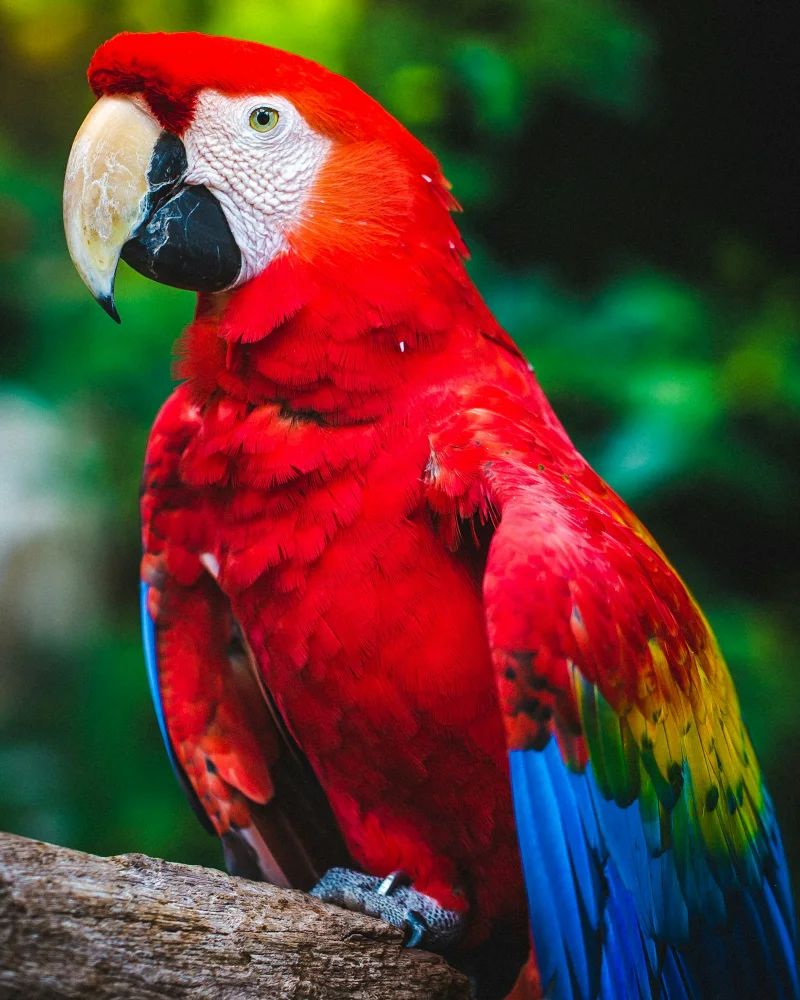 Before
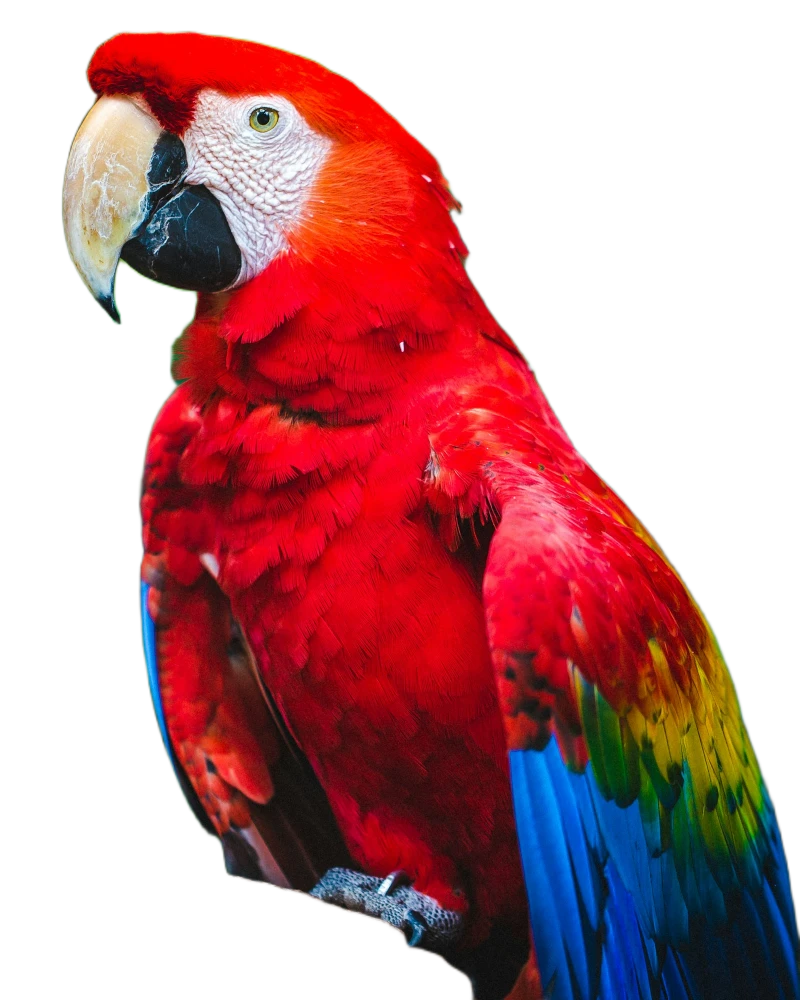 On white
What the marketplaces ask for
- Amazon: the main image needs a pure white background (RGB 255, 255, 255), the product should fill about 85% of the picture, and there must be no added text, logos, watermarks or props. Pictures of at least 1000 pixels on the longest side let shoppers zoom in.
- eBay: photos must be at least 500 pixels on the longest side, with no added borders, text or watermarks. eBay doesn’t require a white background, but a plain white one looks professional.
- Shopify: there is no background rule. The same white background on every product makes a store look tidy; upload the best quality you have, up to 20 megapixels.
These rules change from time to time, so check the platform’s current image guide before you publish.
Making the product fill the picture
CutOutFree keeps your photo’s size and framing; it doesn’t crop. For Amazon’s 85% rule, take the photo closer to the product, or crop the finished picture in your phone’s photo editor so the product fills most of it, with a small white margin around it.
Tips
- Photograph the product against a plain background that contrasts with it: the cutout comes out cleaner.
- White or shiny products on a white table are harder to separate; use a darker surface for the photo.
- The natural shadow under the product is removed too, which is normal for marketplace photos.
- Want a transparent version as well? Also save a PNG with the checkerboard, for banners and adverts.
New to background removal? Start with how to remove the background from a photo for free.
Try it now
Free for 10 photos a day, no sign-up, nothing uploaded.
Remove a backgroundQuestions
What is the color code for pure white?
#FFFFFF, or RGB 255, 255, 255. CutOutFree’s white background is exactly that color.
Should I save a JPG or a PNG?
A JPG for a white background: smaller files that every marketplace accepts. A PNG when you need transparency, for example for a logo or a design.
Can I do several product photos at once?
Not yet: CutOutFree does one photo at a time, and most take only a few seconds.
How many photos can I do for free?
10 a day without an account, and 30 a day with a free account. A Pro plan with unlimited photos is coming soon.