Transparent PNG or white background: which one should you use?
Last updated October 17, 2026
Short answer
Save a transparent PNG when the picture goes on top of something else: a design, a slide, a website, a sticker or a logo. Choose a white background and save a JPG when the picture is the finished photo: an online shop listing, a document or a print. Not sure? Make both. It’s the same cutout, and changing the background doesn’t use another of your free images.
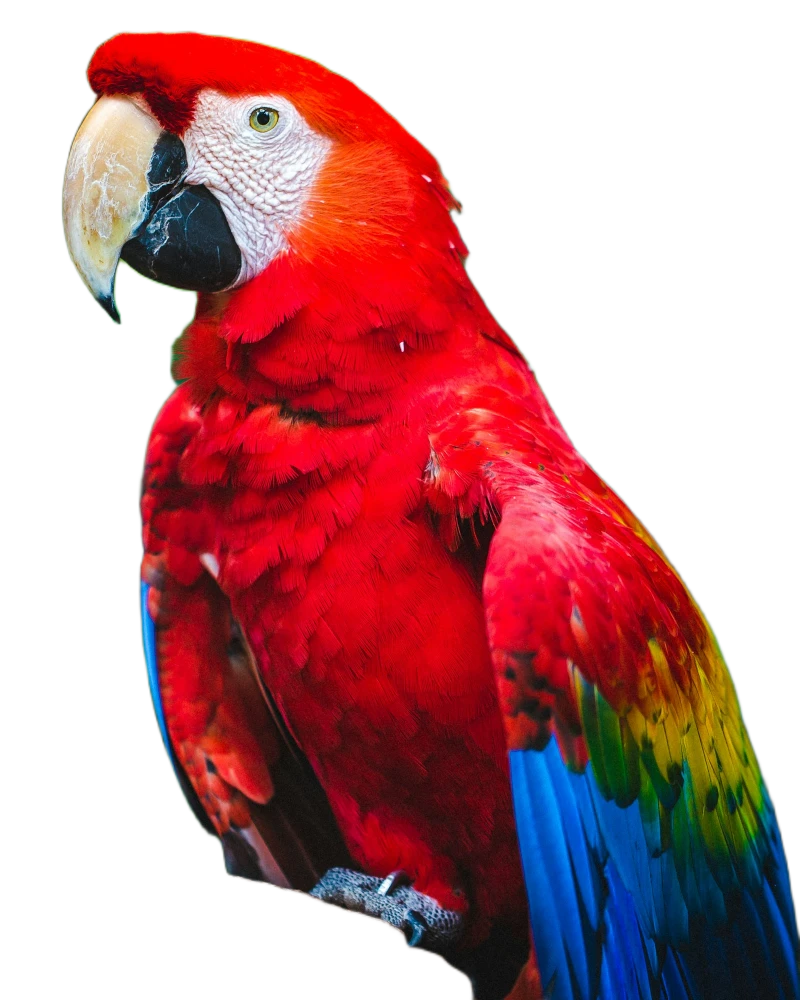 Transparent PNGWhite JPG
What “transparent” really means
The gray-and-white checkerboard is not part of your picture. It’s how apps show “nothing here”, so you can see which parts are see-through. Only some file types can store that: PNG can, JPG cannot. If you save a transparent picture as a JPG, the see-through parts have to become a color, usually white or black.
When to use a transparent PNG
- Designs and slides: Canva, PowerPoint, Keynote, Word and Google Slides all keep the transparency.
- Logos, stickers and anything you place on a colored or patterned background.
- Websites, banners and ads, where the page behind the picture has its own color.
- When you don’t know the final background yet: you can always add one later, but not take one away.
When to use a white background
- Marketplace listings: Amazon asks for pure white (#FFFFFF) on a product’s main image, and white looks clean on eBay, Etsy and Shopify too.
- Documents, CVs and forms that ask for a plain background.
- Printing: many print shops and printers turn transparent areas white anyway.
- Sending in chats and email, where the picture should look the same for everyone.
How to make each one
- Open cutoutfree.com and choose your photo. The background is removed in a few seconds.
- For a transparent PNG: keep the checkerboard selected under Background and click Download. It’s always saved as a PNG.
- For a white background: click the white circle under Background, choose JPG next to the Download button, then download.
Why did my transparent picture turn black or white?
The file is usually fine; the app that shows it is not. Many messaging apps and some websites turn every picture into a JPG when you send or upload it, and fill the see-through parts with white or black. Send it as a file or document instead to keep the transparency. Some photo viewers also draw transparent areas as black or white: open it in a design app to check.
File size
A photo on a white background saved as a JPG is usually several times smaller than the same picture as a PNG, which makes pages and listings load faster. Use PNG only when you need the transparency.
Selling online? See how to put a product photo on a pure white background.
Try it now
Free for 10 photos a day, no sign-up, nothing uploaded.
Remove a backgroundQuestions
Can a JPG have a transparent background?
No. JPG cannot store transparency, so the see-through parts always become a color. Use a PNG for a transparent background.
Is the checkerboard saved in my picture?
No. The checkerboard only shows which parts are transparent. The saved PNG has nothing there at all.
Does making both versions use two of my free images?
No. Changing the background or the file type of the same photo is free. Only a new photo counts.
Which is better for Instagram or WhatsApp?
A color or white background. Both apps turn pictures into JPGs, so a transparent background would end up white or black.
More guides
- How to remove the background from a photo for free
- How to put a product photo on a pure white background
- How to remove a photo background on iPhone or Android, without an app
- How to remove a background without losing hair and fine edges
- How to remove a background without uploading your photo
- CutOutFree vs remove.bg: an honest comparison
- Background removal before and after: real examples